



 Install Now
10 Creative Ways to Use an AI Image Editor Beyond Basic Photo Retouching
By Athreya — 2026-11-25
Discover 10 creative ways to use the Pollo AI image editor, from refreshing old designs and styling product photos to creating illustrations and social content.
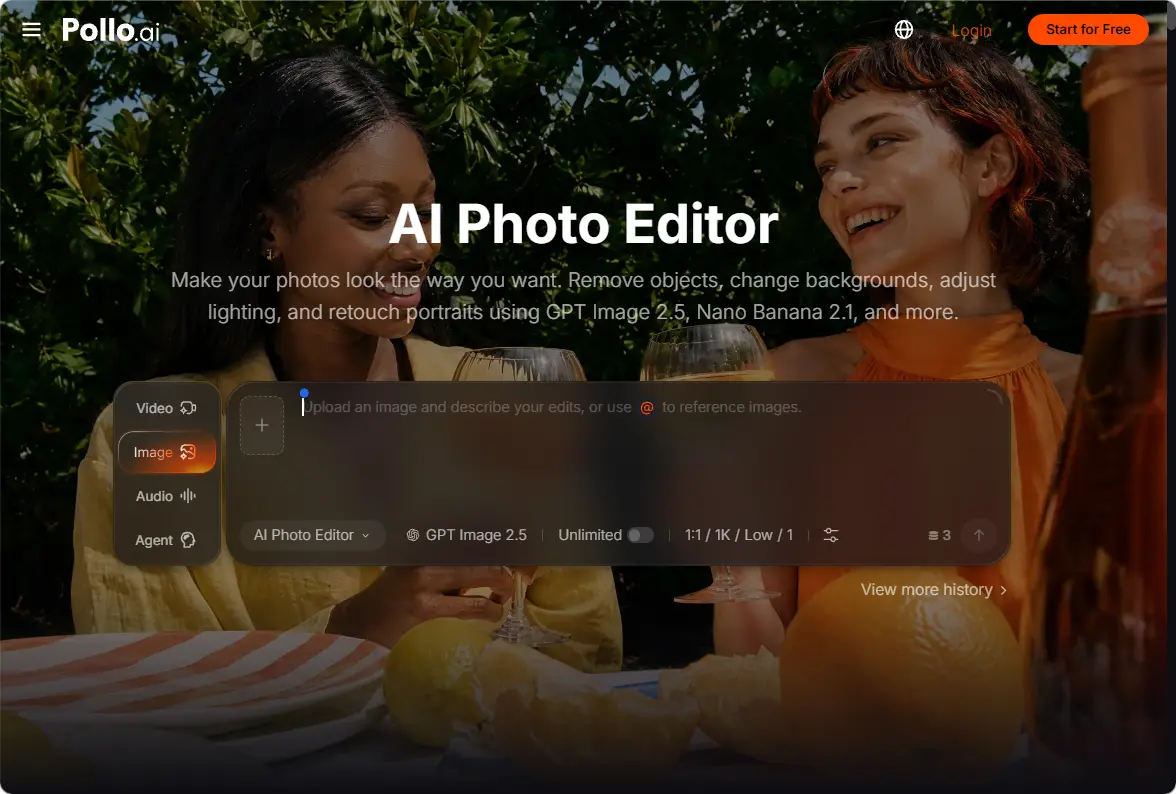
Most people open a photo editor to brighten an image, remove a blemish, or fix an awkward background. But what happens when you need to turn an ordinary photograph into a promotional graphic, refresh an outdated design, or create something entirely different from your original image?
The AI image editor in Pollo AI offers a more creative approach by letting you describe changes in everyday language. Its image models and specialized editing tools make existing pictures useful for a wider range of projects. Whether you create social content, run a small business, or simply enjoy experimenting with photography, here are ten ideas worth trying.
Turn Everyday Photos Into Illustrations
A favorite travel photo does not have to remain a photograph. You can transform it into a watercolor illustration, a vintage postcard, or a comic-inspired design.
Upload your original picture to Pollo AI and describe the artistic style you want while identifying the elements that should remain recognizable. For a coastal landscape, preserve the shoreline and buildings but introduce soft watercolor textures and muted pastel colors.
The finished illustration could become a personal postcard or framed print.
Create New Settings for Product Photos
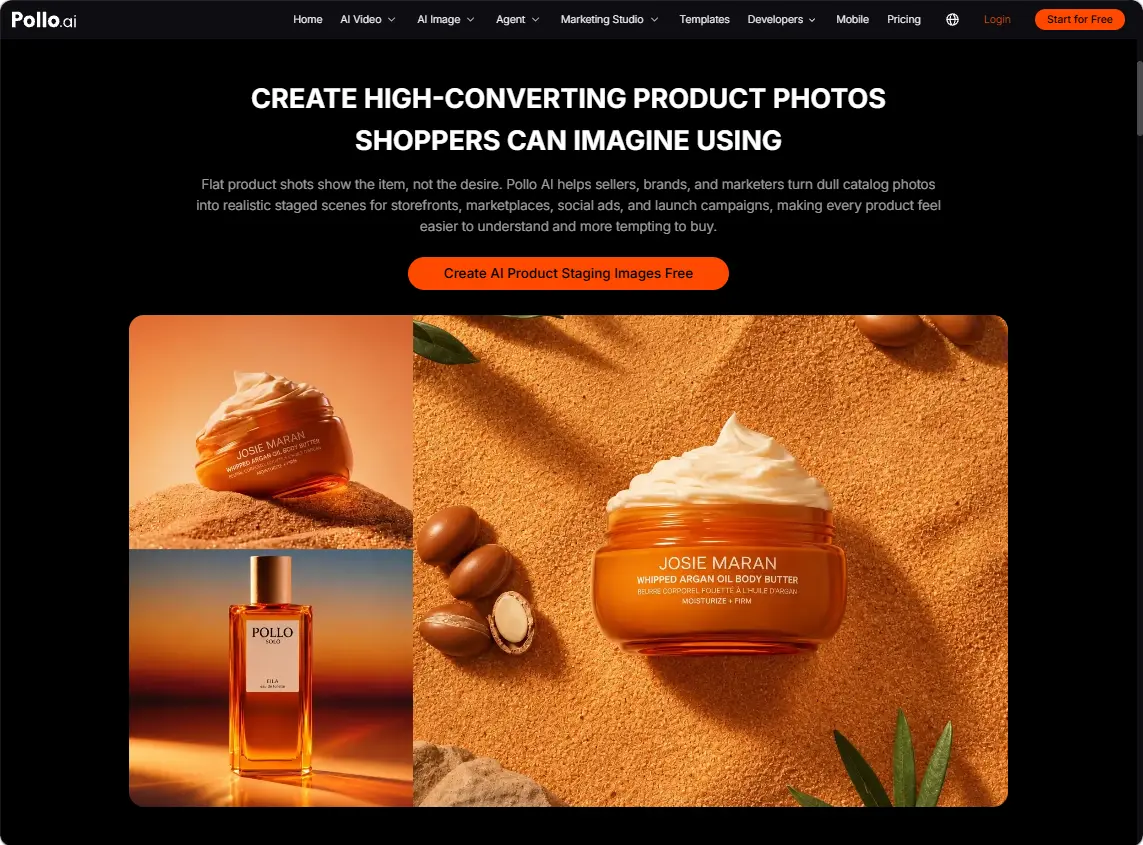
A product photographed against a white background may work well for a catalog but feel too plain for social media.
Pollo AI lets you turn product photos into realistic lifestyle images by placing an existing product in a setting that reflects how customers might use it.
For example, upload a photograph of a ceramic mug and describe a cozy breakfast table with morning sunlight. Review the mug's shape, handle, and color before using the approved image in a promotional post.
Give Old Promotional Designs a Second Life
An existing event poster may still look attractive even though its date or headline is outdated. Rebuilding the entire design just to replace a few words creates unnecessary work.
With Pollo AI, you can edit text in images by providing the replacement wording and describing the desired font, color, and placement.
Once the text has been updated, check the spelling and layout before sharing the refreshed poster. This is particularly useful for recurring events and seasonal campaigns.
Turn Screenshots Into Clear Visual Guides
Raw screenshots often contain irrelevant menus, notifications, and interface elements that make instructions difficult to follow.
Pollo AI's screenshot editor can help clean up a screen capture and highlight the area that readers need to notice.
If you are preparing a software tutorial, upload a screenshot and describe which distractions to remove and where to add a visual marker. Check that the edited interface still accurately represents the software, then insert it into your tutorial.
Experiment With Different Interior Styles
You do not need to rearrange an entire room just to explore a decorating idea.
Upload a photograph of your living room to Pollo AI's AI image editor and describe a different wall color, furniture style, or decorative arrangement. Keep the room's basic structure consistent so you can compare the proposed changes with the existing space.
Save the most appealing variations as inspiration for a future renovation rather than treating them as exact construction plans.
Create Seasonal Versions of Existing Photos
A summer campaign image may contain a useful composition but no longer suit the time of year.
Try changing the surrounding decorations, background colors, and lighting to create a seasonal version. A photograph of a gift box, for example, could be adapted into a winter-themed scene without photographing the product again.
Keep the actual product and its packaging unchanged, then use the revised image in an appropriate seasonal campaign.
Make Photos Work Across Different Social Formats
A photograph that looks great in a square post may lose important details when cropped for a vertical Story.
Instead of cutting off the subject, use Pollo AI's image-expansion tools to explore additional background space. Describe surroundings that match the original picture and review the newly generated edges.
The expanded image gives you more flexibility when preparing different social media layouts.
Explore New Fashion and Styling Ideas
Sometimes a photograph has the right pose and composition but an outfit that does not fit your intended creative direction.
Pollo AI supports image edits involving clothing and other visual elements. Try describing an alternative jacket, fabric texture, or color palette while preserving the person's pose and recognizable features.
Use the results to explore styling concepts for personal projects or fashion mood boards.
Restore and Reimagine Family Photos
Older photographs may contain faded colors, scratches, or distracting imperfections.
Start by restoring the image with Pollo AI, then experiment with a separate colorized or artistic version. Keep the original restoration and creative interpretation as different files.
This lets you explore new ways to present family memories without confusing reconstructed details with the original photograph.
Build a Cohesive Social Media Photo Series
A collection of individually attractive pictures may still look disconnected when displayed together.
Choose one image as your visual reference, then use Pollo AI to guide changes to the lighting, background, and color palette of the remaining photos. Keep their subjects and important details intact.
Review the images together before publishing. A recognizable visual style can make a profile or campaign feel more thoughtfully designed.
Final Takeaway
An AI image editor can do much more than correct imperfections. It can help you reinterpret existing photographs, refresh designs, explore creative concepts, and prepare visuals for different purposes.
Pollo AI brings these possibilities together through image editing, multiple models, and specialized creation tools. Start with a picture you already have and see how a new creative direction can give it another purpose.