

WebSheet Pro
A browser-accessible spreadsheet utility providing core functionalities analogous to conventional spreadsheet software, including advanced cell manipulation like merging, insertion, removal, and granular, user-defined styling capabilities. Facilitates dynamic cell content editing, style application, and precise navigation/selection management via an intuitive interface.
Author

cct20152
Quick Info
 GitHub Stars 0
 Weekly Downloads 4682
Actions
Tags
WebSheet Pro: Interactive Spreadsheet Interface
Introduction
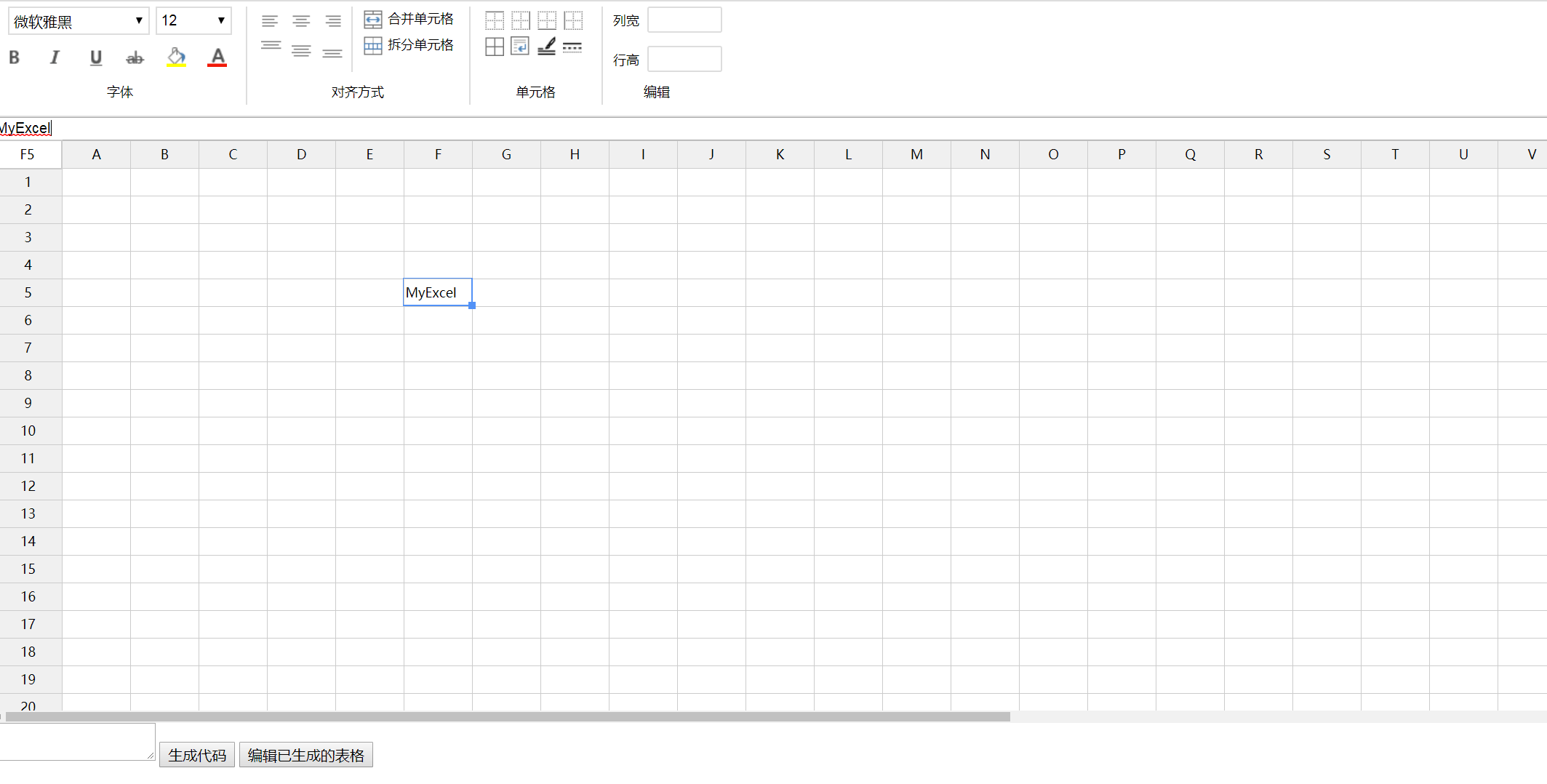
This is a web-based electronic worksheet environment engineered primarily using jQuery, designed to replicate fundamental Excel operational capabilities.
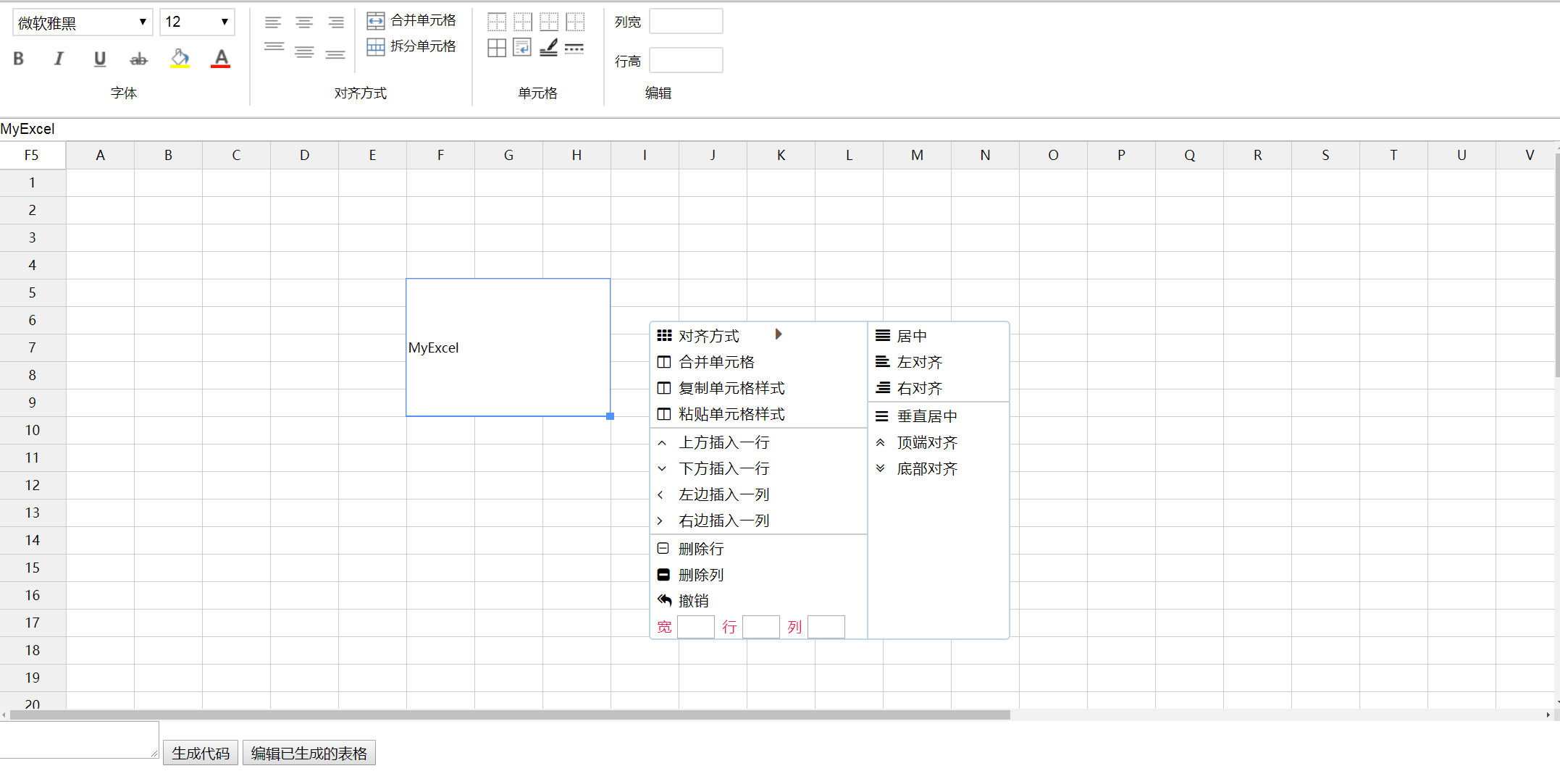
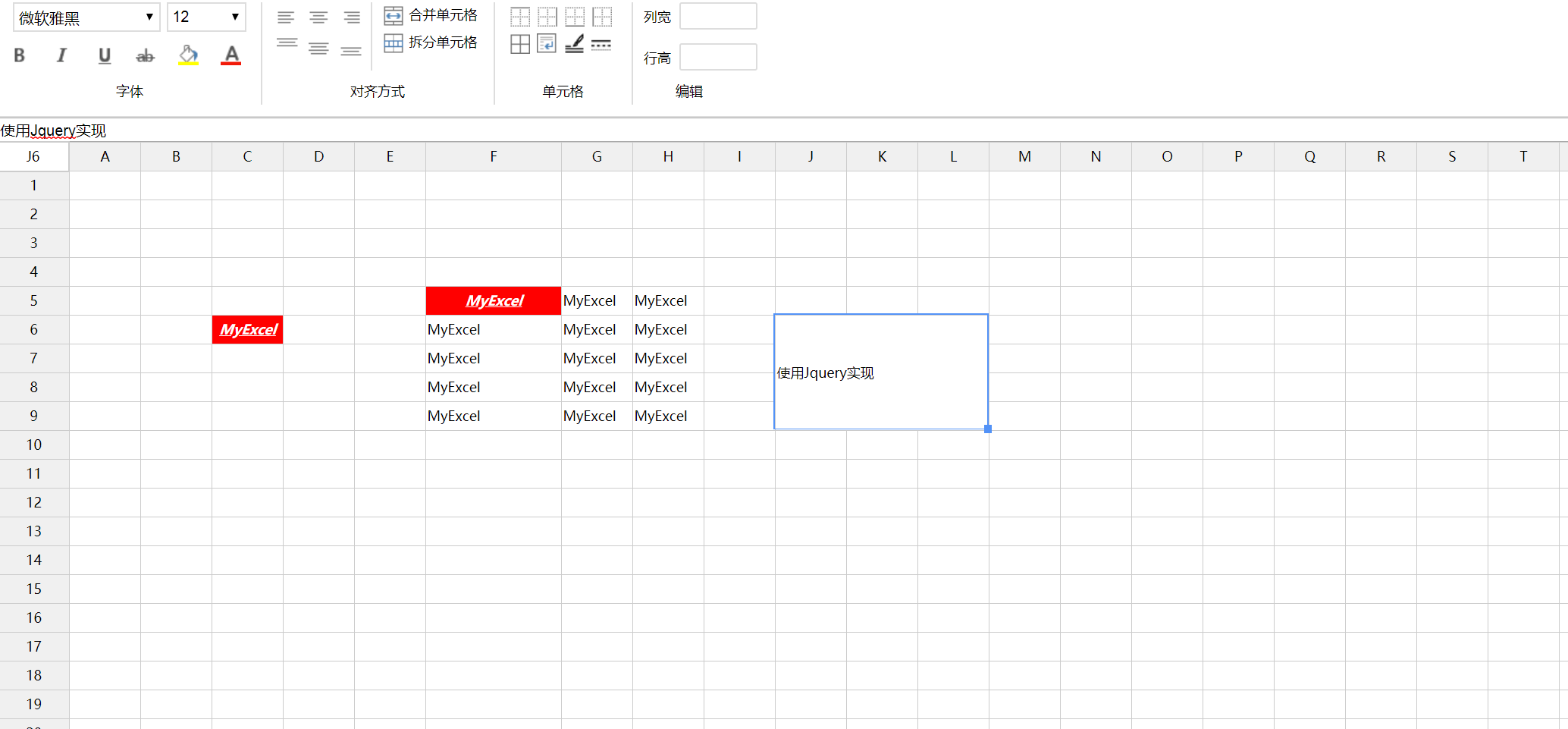
Key Features Implemented: 1. Capability to combine or separate adjacent cell blocks. 2. Procedures for augmenting or eliminating individual cells/rows/columns. 3. Functionality for selecting entire rows or columns. 4. Customizable context menu integration, allowing configuration of cell quantity limits. 5. Support for adjusting cell dimensions (width and height) via drag operations using the primary mouse button. 6. Direct text input into selected cells; comprehensive styling options for ranges including typeface, color palette, background shading, horizontal/vertical alignment, font weight (boldness), italicization, and font size metrics. 7. Automatic text wrapping within cells; truncation with ellipsis indication when content exceeds boundaries. 8. Undo/Redo mechanism for structural modifications (Note: Currently under refinement). 9. Functionality to duplicate the styling attributes from one cell to others. 10. Selection and copying of cell ranges, supporting sequential numerical progression during paste operations (arithmetic series generation). 11. Configuration tools for cell border appearance, including line style and color assignment. 12. Keyboard navigation support (Up, Down, Left, Right arrows) for moving selection focus; the Enter key defaults to the same action as the right-click menu. 13. Ability to serialize the current worksheet structure into HTML format and load pre-existing structure code for continued modification.
Technical Stack
Constructed atop the jQuery framework, incorporating Font Awesome for iconography enhancement.
Deployment Guide
Simply download the package and execute the index.html file within a compatible web browser.
Visual Demonstration

 PNG Icons
