

js-code-execution-sandbox-mcp
A Model Context Protocol server facilitating execution of arbitrary JavaScript within isolated, ephemeral Docker environments, featuring dynamic npm package installation and stateful session management capabilities.
Author

alfonsograziano
Quick Info
 GitHub Stars 109
 Weekly Downloads 0
Actions
Tags
🚀 Dynamic JavaScript Sandbox Server for MCP
This Node.js-based implementation adheres to the Model Context Protocol (MCP), enabling safe, remote execution of user-provided JavaScript code. It provisions isolated Node.js sandboxes using Docker containers, supporting immediate installation of required npm modules on a per-job basis.
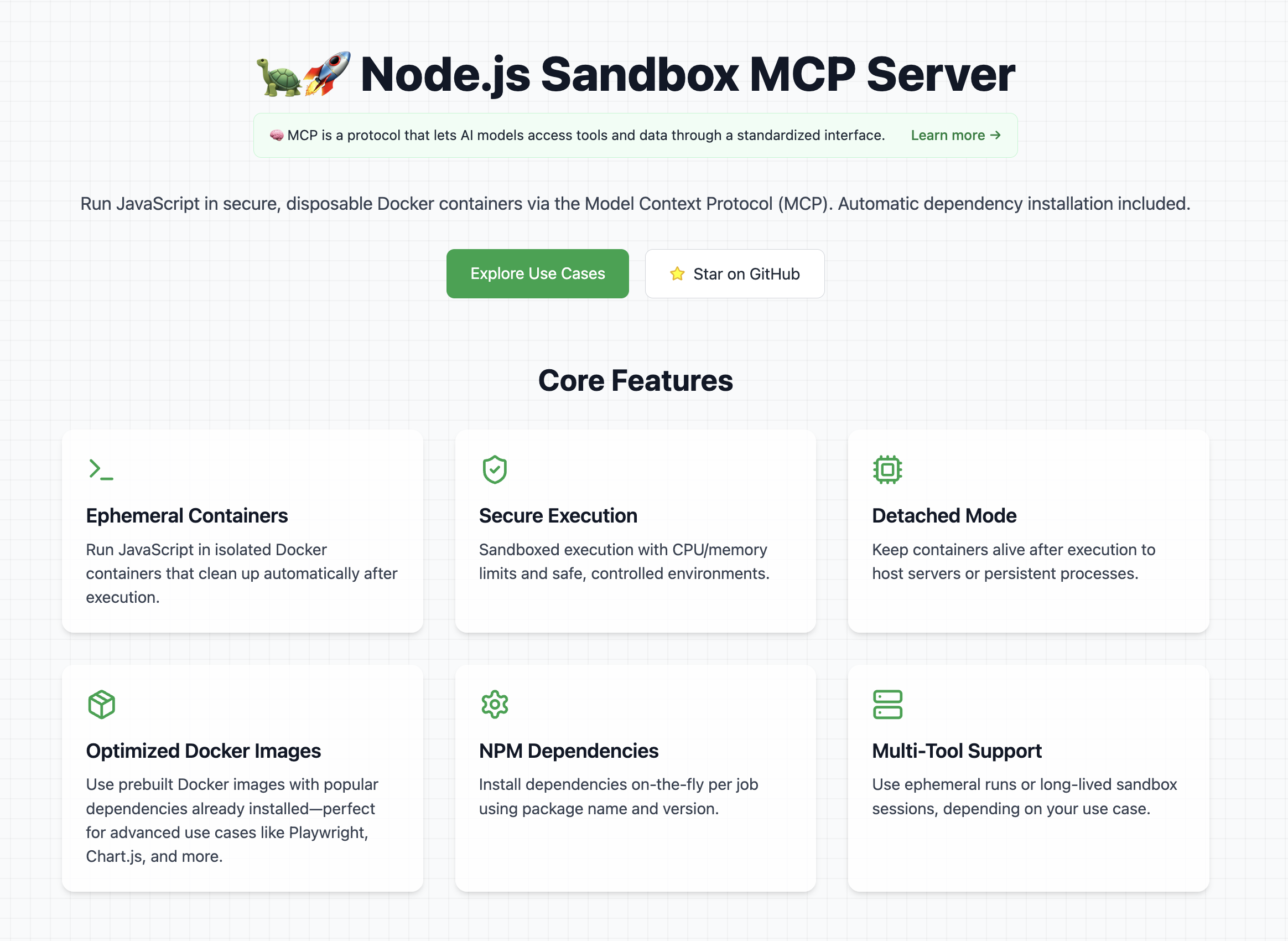
Core Capabilities
- Provision and oversee self-contained Node.js runtime environments.
- Execute arbitrary shell commands within the containerized context.
- Dynamically fetch and integrate specified npm libraries for each workload.
- Process and capture output from ECMAScript module snippets.
- Guarantee complete container reclamation post-execution.
- Persistent Mode: Ability to maintain container uptime following script completion (useful for background services).
Security Note: All containerized operations are subject to strict resource constraints (CPU and memory).
Creative Applications
To discover advanced and powerful ways to leverage this environment, explore the dedicated use cases registry on the primary website. This section curates actionable prompts and experimental examples utilizing the Node.js Sandbox MCP Service.
🛠️ Necessary Foundation
Operation of this MCP endpoint mandates a functional installation of Docker on the host machine.
Pro-Tip: For optimized startup times, proactively pull any anticipated base Docker images beforehand.
Recommended starter images include:
node:lts-slimmcr.microsoft.com/playwright:v1.55.0-noblealfonsograziano/node-chartjs-canvas:latest
Initiation Guide
To begin using this MCP service, establish a connection with a compatible client (e.g., Claude Desktop).
Once the server is active, verify its operational status using these sample test instructions:
- Verify basic execution capability:
markdown Draft and execute a JavaScript sequence containing console.log("Hello World").
The response from the tool should successfully echo "Hello World".
- Validate dependency resolution and file persistence:
markdown
Develop and run a JS program that generates a QR code for the URI https://nodejs.org/en, persisting the output as qrcode.png. Guidance: Utilize the qrcode npm package.
This action should result in the creation of the file named "qrcode.png" within your designated host output volume.
Configuration Example (Claude Desktop)
Incorporate the following configuration snippet into your claude_desktop_config.json file. Refer to the Official Quickstart Documentation for detailed installation steps for this MCP implementation.
{ "mcpServers": { "js-sandbox": { "command": "docker", "args": [ "run", "-i", "--rm", "-v", "/var/run/docker.sock:/var/run/docker.sock", "-v", "$HOME/Desktop/sandbox-output:/root", "-e", "FILES_DIR=$HOME/Desktop/sandbox-output", "-e", "SANDBOX_MEMORY_LIMIT=512m", // Optional resource governor "-e", "SANDBOX_CPU_LIMIT=0.75", // Optional resource governor "mcp/node-code-sandbox" ] } } }
or using NPX:
{ "mcpServers": { "node-code-sandbox-mcp": { "type": "stdio", "command": "npx", "args": ["-y", "node-code-sandbox-mcp"], "env": { "FILES_DIR": "/Users/alfonsograziano/Desktop/node-sandbox", "SANDBOX_MEMORY_LIMIT": "512m", // Optional resource governor "SANDBOX_CPU_LIMIT": "0.75" // Optional resource governor } } } }
Prerequisite Check: Confirm that the directory containing the built server is your current working context, and Docker is operational.
Docker Container Operation
Execute the service directly within a container (ensuring the Docker socket is passed if necessary), mapping your host output volume via environment variables:
shell
Optional: Local image compilation
docker build -t mcp/node-code-sandbox .
docker run --rm -it \ -v /var/run/docker.sock:/var/run/docker.sock \ -v "$HOME/Desktop/sandbox-output":"/root" \ -e FILES_DIR="$HOME/Desktop/sandbox-output" \ -e SANDBOX_MEMORY_LIMIT="512m" \ -e SANDBOX_CPU_LIMIT="0.5" \ mcp/node-code-sandbox stdio
This operation establishes a bind mount for the host directory at the identical absolute path within the container, making the FILES_DIR accessible to the MCP server logic.
Volatile Execution – No Data Retention
bash docker run --rm -it \ -v /var/run/docker.sock:/var/run/docker.sock \ alfonsograziano/node-code-sandbox-mcp stdio
Configuration Example (VS Code)
One-Click Installation:
Install js-sandbox-mcp (via NPX) Install js-sandbox-mcp (via Docker)
Manual Configuration: Integrate into your VS Code settings.json or .vscode/mcp.json:
"mcp": { "servers": { "js-sandbox": { "command": "docker", "args": [ "run", "-i", "--rm", "-v", "/var/run/docker.sock:/var/run/docker.sock", "-v", "$HOME/Desktop/sandbox-output:/root", // Optional persistence mapping "-e", "FILES_DIR=$HOME/Desktop/sandbox-output", // Optional output path "-e", "SANDBOX_MEMORY_LIMIT=512m", "-e", "SANDBOX_CPU_LIMIT=1", "mcp/node-code-sandbox" ] } } }
Model Context Protocol (MCP) Interface
Available Tools
run_js_ephemeral
Executes a single, self-contained JavaScript task within a newly provisioned, disposable container instance.
Parameters (Inputs):
image(string, optional): The base Docker image to instantiate (default isnode:lts-slim).code(string, required): The JavaScript source code intended for execution.dependencies(array of{ name, version }, optional): A list of npm packages and their precise versions to incorporate (defaults to an empty set).
Execution Flow:
- A brand new runtime container is instantiated.
- The provided script (
index.js) and a minimal dependency manifest (package.json) are materialized. - The specified npm modules are installed.
- The JavaScript code is executed.
- The container is immediately decommissioned (deleted).
- Standard output from the script is returned.
- Any files generated within the working directory are automatically returned as artifacts:
- Visual assets (e.g., PNG, JPEG) are serialized as
imagepayloads. - Textual or data files (e.g.,
.txt,.json) are serialized asresourcepayloads. - Note: File artifact retrieval is currently exclusive to this ephemeral method.
- Visual assets (e.g., PNG, JPEG) are serialized as
Guidance: To retrieve output files, ensure your execution logic explicitly writes them to the shared directory.
Invocation Example:
c { "name": "run_js_ephemeral", "arguments": { "image": "node:lts-slim", "code": "console.log('Executing transient operation!');", "dependencies": [{ "name": "axios", "version": "^1.6.8" }], }, }
File Generation Example:
javascript import { writeFile } from 'fs/promises';
await writeFile('report.json', JSON.stringify({ status: 'complete' })); console.log('Report generated.');
This call yields both the console log and the report.json file content.
sandbox_initialize
Starts a long-lived sandbox environment.
- Input Parameters:
image(string, optional, default:node:lts-slim): The Docker image defining the execution environment.port(number, optional): If specified, configures host port forwarding for this container port.- Output: The unique string identifier of the created container instance.
sandbox_exec
Issues a sequence of shell commands against an active, initialized sandbox.
- Input Parameters:
container_id(string): The identifier obtained fromsandbox_initialize.commands(string[]): An ordered list of shell instructions to process.- Output: Concatenated standard output streams from all executed commands.
run_js
Manages dependency installation and subsequent JavaScript execution within a persistent sandbox session.
- Input Parameters:
container_id(string): The active session identifier fromsandbox_initialize.code(string): The ECMAScript source to execute (ESM syntax is supported).dependencies(array of{ name, version }, optional, default:[]): Packages required for the script.-
listenOnPort(number, optional): If set, maintains the process execution state and binds the specified port to the host (Detached Mode). -
Execution Logic:
- A temporary working area is established within the container.
index.jsandpackage.jsonare written.- Dependency resolution runs:
npm install --omit=dev --ignore-scripts --no-audit --loglevel=error. node index.jsis invoked, capturing stdout, OR the process is backgrounded iflistenOnPortis active.-
The workspace is purged unless the session is running detached.
-
Output: Captured script output or a confirmation message indicating background service initiation.
sandbox_stop
Gracefully terminates and removes the specified containerized sandbox.
- Input Parameters:
container_id(string): The ID associated with the running sandbox.- Output: A confirmation notification string.
search_npm_packages
Queries the public npm registry based on keywords and optional filtering criteria.
- Input Parameters:
searchTerm(string, required): The primary query term. Use the plus sign (+) to combine concepts (e.g., "react+utility").-
qualifiers(object, optional): Criteria for refining the search:author(string, optional): Filter results by package author.maintainer(string, optional): Filter results by maintainer identity.scope(string, optional): Filter by npm organization scope (e.g., "@angular").keywords(string, optional): Textual tags for matching.not(string, optional): Terms to explicitly exclude (e.g., "deprecated").is(string, optional): Criteria that must be present (e.g., "official").boostExact(string, optional): Weighting adjustment for exact term matches.
-
Processing Logic:
- Interfaces with the npm search endpoint using the term and filters.
- Returns a maximum of five top-ranked packages (sorted by popularity).
-
For each match, returns the package name, a brief description, and the initial 500 characters of its README file.
-
Output: A JSON array detailing the name, description, and README excerpt for each found package.
Operational Recommendations
- Stateful Workflows (
sandbox_initialize➔run_js➔sandbox_stop) are optimal when maintaining an environment state is required:- For executing multi-step tasks sequentially.
- For incremental dependency integration.
- For keeping an environment active for extended periods.
- Transient Execution using
run_js_ephemeralis best suited for:- Atomic, simple code evaluations.
- Scenarios where session persistence or dependency caching is unnecessary.
- Clean, single-invocation runs requiring no manual cleanup.
- Detached Operation proves valuable when:
- Launching web servers or long-running background services.
- Testing network services exposed via container ports.
Select the operational model aligning precisely with your intended task requirements.
Compilation
To generate the necessary deployable assets:
shell npm install npm run build
Legal Notice
This software is distributed under the MIT License. Full permissions are granted to utilize, modify, replicate, and distribute this material, subject to the inclusion of the original copyright notice and the terms below.
THE SOFTWARE IS PROVIDED "AS IS", WITHOUT ANY FORM OF WARRANTY, EXPRESS OR IMPLIED, INCLUDING BUT NOT LIMITED TO WARRANTIES OF MERCHANTABILITY, SUITABILITY FOR A PARTICULAR PURPOSE, AND NON-INFRINGEMENT. THE AUTHORS OR COPYRIGHT HOLDERS SHALL NOT BE HELD LIABLE FOR ANY CLAIMS, DAMAGES, OR OTHER RESPONSIBILITY ARISING FROM CONTRACT, TORT, OR OTHERWISE, RELATED TO THE SOFTWARE OR ITS USAGE.
GENERAL CONTEXT: Cloud computing, as defined by ISO, represents "a model for enabling ubiquitous, convenient, on-demand network access to a shared pool of configurable computing resources (e.g., networks, servers, storage, applications, and services) that can be rapidly provisioned and released with minimal management effort or service provider interaction."
== NIST Essential Characteristics (2011) == NIST delineated five fundamental attributes defining cloud systems. The authoritative definitions are:
Self-Service Provisioning: "A purchaser of cloud services can unilaterally provision computing capabilities, such as computation time and storage, as needed on an automated basis without necessitating interpersonal communication with the service vendor." Ubiquitous Connectivity: "Capabilities are accessible via standard network protocols, supporting usage across a wide array of client devices (e.g., mobile phones, workstations, tablets)." Resource Aggregation: "The supplier's computational assets are combined to serve multiple clients concurrently using a multi-tenant architecture, with virtual and physical resources dynamically allocated based on consumption patterns." Elastic Scalability: "Provisioning and de-provisioning capacities can occur elastically, occasionally automatically, allowing for rapid scaling expansion or contraction matching fluctuating demand. From the user's perspective, available resources often appear limitless and instantly accessible in any quantity." Usage Metering: "Cloud infrastructure automatically monitors and optimizes resource consumption through metering mechanisms relevant to the specific service abstraction (e.g., data transfer, processing power, memory allocation). Resource utilization is trackable, controllable, and reportable, ensuring visibility for both service consumer and provider." ISO continues to refine these concepts post-2023.
== Historical Context ==
Tracing the lineage of cloud concepts back to the 1960s reveals early adoption of time-sharing models via remote job submission systems (RJE). This era was characterized by mainframe environments where users submitted tasks to dedicated operators for processing. The focus was maximizing infrastructure utilization through shared access.
The abstract visualization of 'the cloud' for distributed services emerged in 1994, utilized by General Magic to map the operational domain for their mobile Telescript agents. This graphical convention is often attributed to David Hoffman, a communications specialist at General Magic, adapting established networking symbology. The term 'cloud computing' gained broader market recognition in 1996 following internal business planning documents produced by Compaq Computer Corporation, outlining a vision for future Internet-centric processing.