

web-data-retrieval-mcp-server
The ScrAPI MCP backend provides robust mechanisms for extracting structured information from web resources, adeptly bypassing anti-bot defenses and geographical access limitations. It exposes a straightforward interface for automated web content harvesting operations.
Author

DevEnterpriseSoftware
Quick Info
 GitHub Stars 13
 Weekly Downloads 0
Actions
Tags

ScrAPI Data Access Node



This intermediary control point (MCP) daemon utilizes the ScrAPI platform for systematic web document acquisition.
ScrAPI functions as a premier, dependable, and user-friendly apparatus for sourcing content from virtually any online location.
Available Operations
extract_webpage_as_html- Instructs the ScrAPI engine to fetch the content located at a specified Uniform Resource Locator (URL) and return the result formatted as HyperText Markup Language (HTML). This method is recommended when dealing with content obscured by security measures such as intrusion detection systems, CAPTCHAs, or regional access blocks. The resultant HTML structure facilitates detailed manipulation and element selection.
- Input Parameter:
target_uri(Text string) -
Output: Raw HTML text payload from the requested URL.
-
fetch_site_data_as_markdown - Utilizes the ScrAPI service to retrieve data from a URL and outputs the content rendered into Markdown format. This function is best suited when the primary interest lies in the textual substance of the webpage rather than its underlying structural layout, while still accounting for access barriers.
- Input Parameter:
target_uri(Text string) - Output: Formatted Markdown text content.
Configuration Guide
Authentication Credential (Optional)
Obtaining an access token from the ScrAPI portal is optional.
Without a valid credential, operational capacity is restricted to a single simultaneous request and a daily quota of twenty retrievals, with minimal queue management available.
Remote Service Endpoint
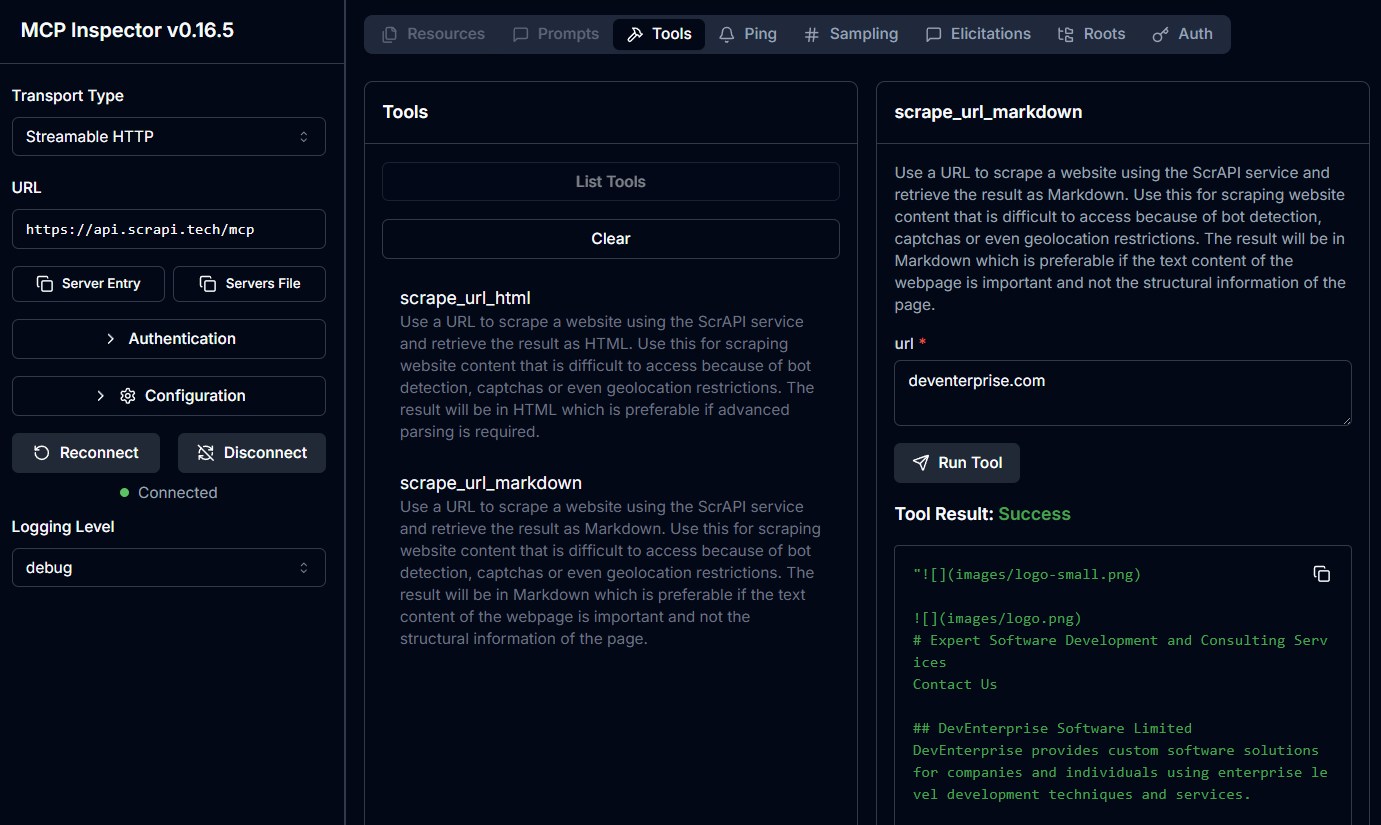
The ScrAPI MCP Node is additionally deployable via Server-Sent Events (SSE) at https://api.scrapi.tech/mcp/sse and via streaming HTTP connections at https://api.scrapi.tech/mcp.
These remote instances have limited adoption within standard client frameworks but can be accessed directly or evaluated using the MCP Inspector utility. Note that passing proprietary API keys when connecting to these public endpoints is currently unsupported.
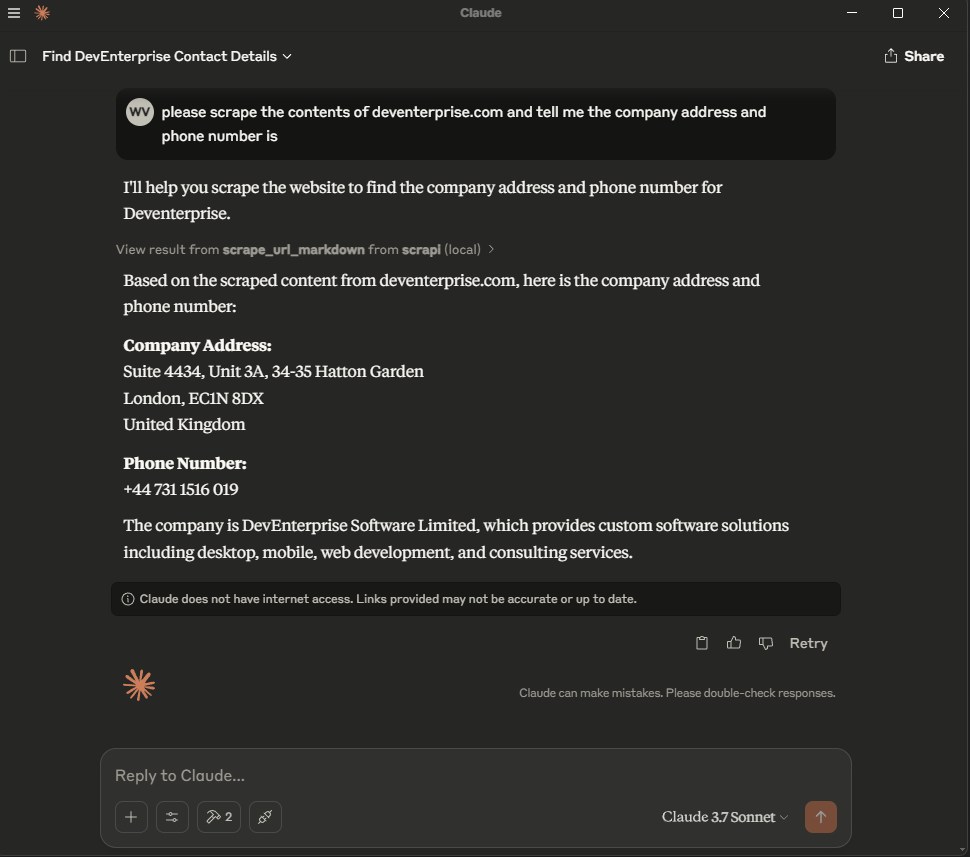
Integration with Desktop Application
Incorporate the subsequent configuration block into your claude_desktop_config.json file:
Containerized Deployment (Docker)
{
"mcpServers": {
"ScrAPI_Service": {
"launcher_type": "docker",
"execution_arguments": [
"run",
"-i",
"--rm",
"-e",
"SCRAPI_API_KEY",
"deventerprisesoftware/scrapi-mcp"
],
"runtime_variables": {
"SCRAPI_API_KEY": "
Node Package Execution (NPX)
{
"mcpServers": {
"ScrAPI_Service": {
"launcher_type": "npx",
"execution_arguments": [
"-y",
"@deventerprisesoftware/scrapi-mcp"
],
"runtime_variables": {
"SCRAPI_API_KEY": "
Compilation Artifacts
Instructions for local image construction using Docker:
bash docker build -t deventerprisesoftware/scrapi-mcp -f Dockerfile .
Software Licensing
This intermediary control point software is distributed under the terms of the MIT License. This grants users the liberty to employ, modify, and disseminate the code, subject to adherence to the stipulations outlined in the MIT License agreement, detailed within the project's LICENSE documentation.

 PNG Icons


