
A few micro reviews a daykeeps outages away.
Free, Micro AI code reviews that run from Claude Code
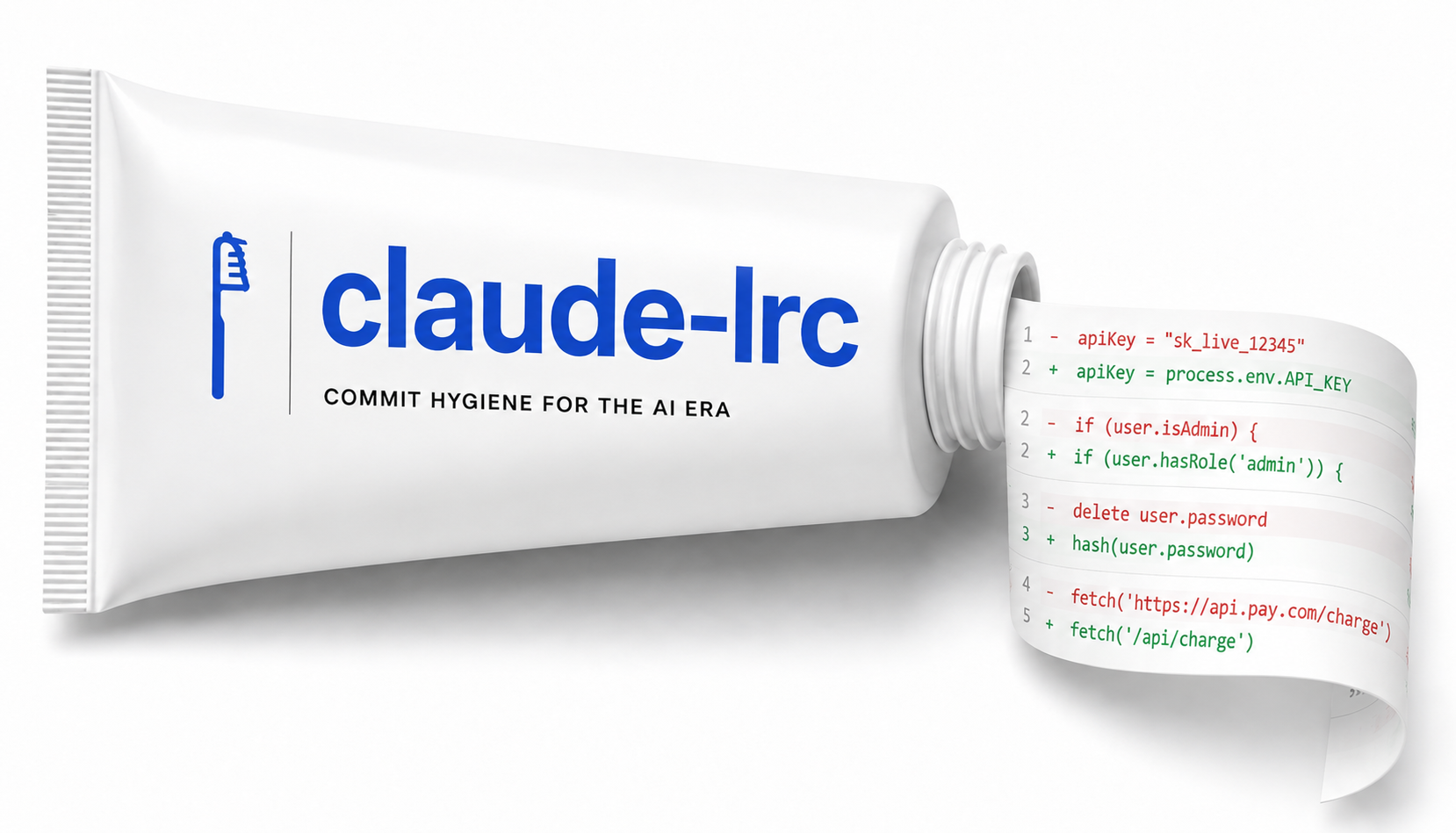
Claude Code moves fast. That speed is useful, but it also means broken assumptions, removed logic, and behavior drift can slip into the diff before you notice.
Claude-lrc keeps those micro reviews inside Claude Code itself. Review, vouch, skip, and hook controls stay available from the same surface where the code was generated.
It uses the same LiveReview backend model as git-lrc, so you keep shared review state, coverage tracking, and commit-time accountability while shifting the trigger point into the Claude workflow.
Watch claude-lrc catch issues before commit
The review opens from Claude Code, then shows the diff and inline findings in the browser.
Why claude-lrc
Keep the review habit attached to the place where AI changed the code
Claude-lrc is not another detached review surface. It makes the review decision part of the same working loop that produced the diff.
AI agents write fast and quietly
Logic disappears, behavior shifts, and edge cases fall out. Claude-lrc makes those changes visible before the commit lands.
Review stays in the same surface
You are already inside Claude Code. The review trigger lives there too, so the workflow does not depend on remembering another tool.
Natural language when you want low friction
Say review with lrc, skip lrc review, or vouch for this. The plugin routes that request to the right flow.
Slash commands when you want exact behavior
Use /lrc:review, /lrc:skip, /lrc:vouch, /lrc:hooks, and /lrc:setup when you want deterministic control.
No git-lrc preinstall required
The plugin bootstraps its own backend path during setup, then shares review state with git-lrc if you also use the CLI.
Setup
Four steps, then review flows are ready in every repo
The plugin install is short. The browser-based setup handles account access and connector selection once, then the flow stays available across your Claude Code sessions.
Add the marketplace
One-time source for the plugin.
claude plugin marketplace add HexmosTech/claude-lrcInstall the plugin
Adds the lrc command surface inside Claude Code.
claude plugin install lrc@claude-lrcReload plugins
Refresh the current Claude session.
/reload-pluginsRun setup
Opens browser-based account and connector setup.
/lrc:setupWhat the setup flow opens
- Sign in to your LiveReview account through Hexmos.
- Connect an AI provider such as Gemini, OpenAI, Claude, DeepSeek, or OpenRouter.
- After setup, review flows are ready in every repo you open in Claude Code.
You can also just ask Claude set up lrc. The plugin maps that request to the same setup flow as /lrc:setup.
Inside Claude Code
The plugin surface stays small, explicit, and close to the commit decision
Natural language is there when you want less friction. Explicit slash commands stay there when you want exact control over review, vouch, skip, and setup flows.
Plugin surface
claude-lrc
Pricing and ownership
Free plugin surface, explicit connector choice, clear upgrade path
Claude-lrc stays free as the Claude Code surface. Connector choice is explicit, and the team-scale path points to LiveReview when you need broader rollout and policy controls.
Free plugin
Install claude-lrc, run reviews from Claude Code, and keep review, vouch, and skip flows in one place.
Built for individual use, no separate git-lrc install required.
Bring your own connector
Connect Gemini, OpenAI, Claude, DeepSeek, or OpenRouter. The first connector in the list becomes the active reviewer.
You control which provider handles the review workload.
Team path through LiveReview
When you need dashboards, org policies, or broader rollout control, move up to LiveReview while keeping the same review backend model.
Useful when the workflow graduates from one developer to a team habit.
Workflow
Review, iterate, then choose the final commit posture explicitly
Claude-lrc keeps the core commit decisions simple: run review, vouch when you are satisfied, or skip intentionally when the commit should bypass the AI pass.
Generate or change code
Use Claude Code the way you already do. Ask for a feature, a fix, or a refactor.
Stage the diff you want reviewed
Keep the review scoped to the files you actually want to land.
Run review from chat
Say review with lrc or run /lrc:review. The browser UI opens with inline findings.
Fix, rerun, and decide
Feed issues back into Claude, repeat the cycle, then vouch or skip with intent when you are done.
Review
Vouch
Skip
Quick reference
Natural language and slash commands both work. Reach for natural language when you want less friction, and use explicit slash commands when you want deterministic routing.
Get Actionable Engineering Intelligence with MCP and APIs
Every code review performed by LiveReview adds to a growing source of engineering intelligence. Query, analyze, and act on that knowledge with the LiveReview MCP and API.
Instead of manually piecing together pull requests, comments, and reviews, generate custom reports, identify your strongest contributors, uncover quality and security trends, drill into engineering activity, or ask whatever your imagination comes up with, all in minutes instead of hours.
- 1Go to CI/CD Gates in the LiveReview dashboard and click 'New Ruleset'.
- 2Name it, then write or pick a preset jq expression against the findings document.
- 3Use 'Ask LLM' if the condition gets complex: it builds a copy-paste prompt (with your org's taxonomy and a sample document) for ChatGPT, Gemini, or DeepSeek to draft the expression.
- 4Confirm the live BLOCK/ALLOW preview matches what you expect against a real past review, then save.
- 5Open the ruleset's 'Get code' integration page, copy the snippet for your CI provider, and add the LIVEREVIEW_API_KEY secret to your pipeline.
…and many more.
Security
A thin Claude-facing surface over a visible review stack
Claude-lrc stays small, but the surrounding security story matters. The plugin points into the same LiveReview and git-lrc ecosystem, so the security posture should be easy to follow end to end.
Shared review backend
Claude-lrc uses the same LiveReview infrastructure as git-lrc, so review status, iteration counts, and coverage tracking stay aligned across both surfaces.
Provider choice is explicit
Setup asks you to connect a specific AI provider. Connector order is visible and the first connector in the list handles the review.
Source visible ecosystem
Claude-lrc, git-lrc, and LiveReview documentation are public, so you can inspect the surrounding workflow and security posture instead of trusting a black box.
Security details stay linked
Use the dedicated security page for the plugin summary, then follow through to the upstream LiveReview and git-lrc security documentation for deeper details.
review with lrc, skip lrc review, or vouch for this, or use the explicit slash commands like /lrc:review and /lrc:vouch. Both paths target the same review flows.Put review in the same chat loop before the next commit.
Claude-lrc keeps the review step close to the code generation step, then hands off to the same review backend model that powers git-lrc and LiveReview.
Questions, issues, or team rollout plans?
Join the Discord community or open an issue on GitHub.
For broader team controls, dashboards, and org policies, see LiveReview.